Mina Pool Villa Apps Publishing About ไทย — Thai version

Hex Color Codes

Save colors. Build palettes. Discover inspiration.

A modern color tool for designers, developers, creators and anyone working with color. Keep your favorite colors in one place, build five-color palettes and explore combinations shared by the community.

Available on iOS & Android

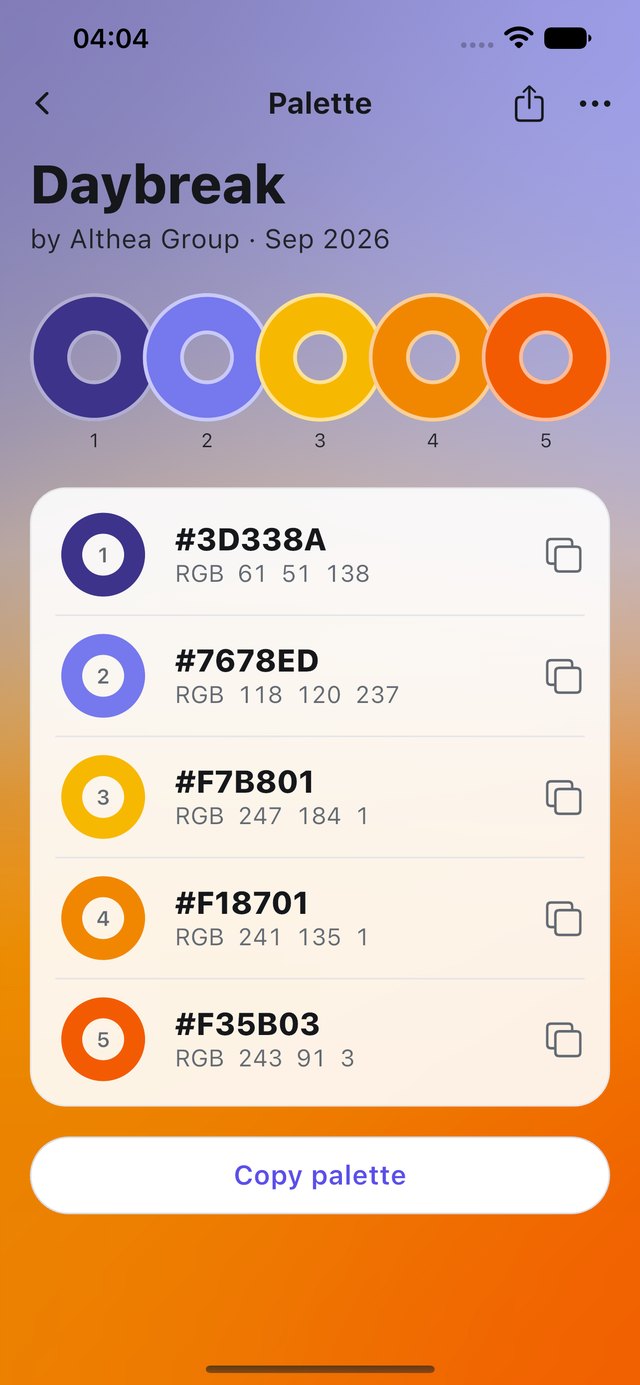
Hex Color Codes on iPhone — the Daybreak palette: five numbered color rings over a violet-to-orange gradient, with exact HEX and RGB values and a Copy palette button

Save

Every color, exact and in one place.

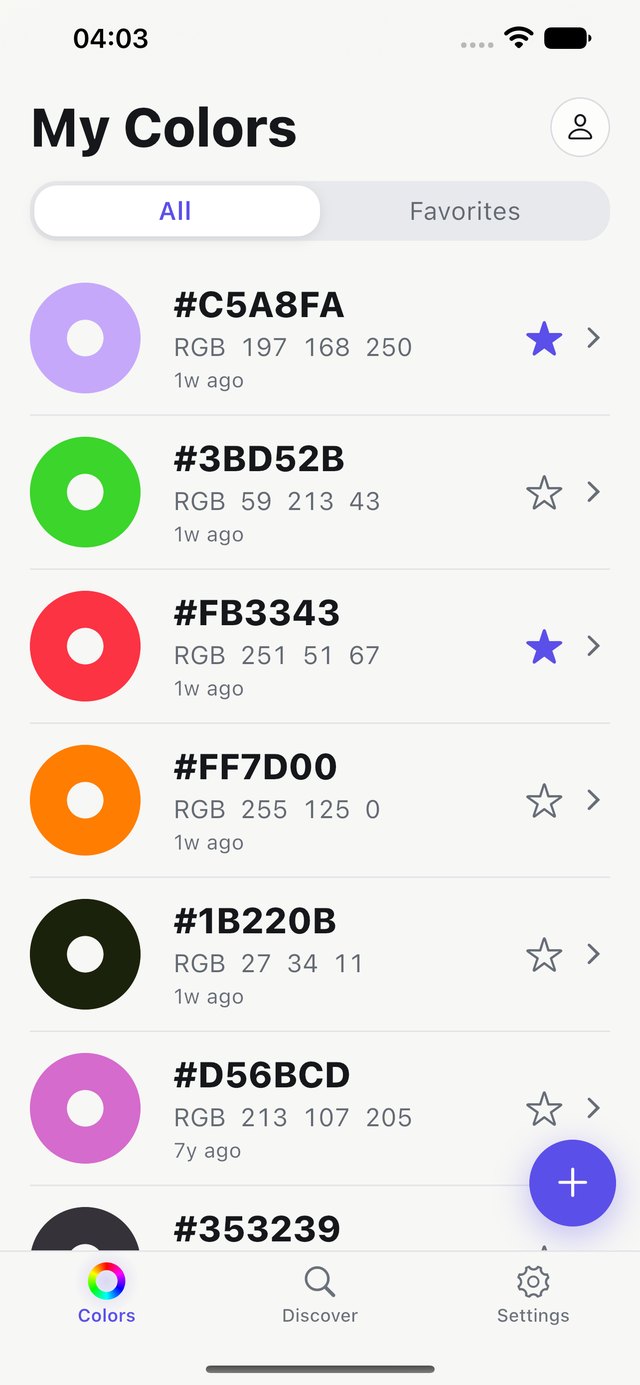
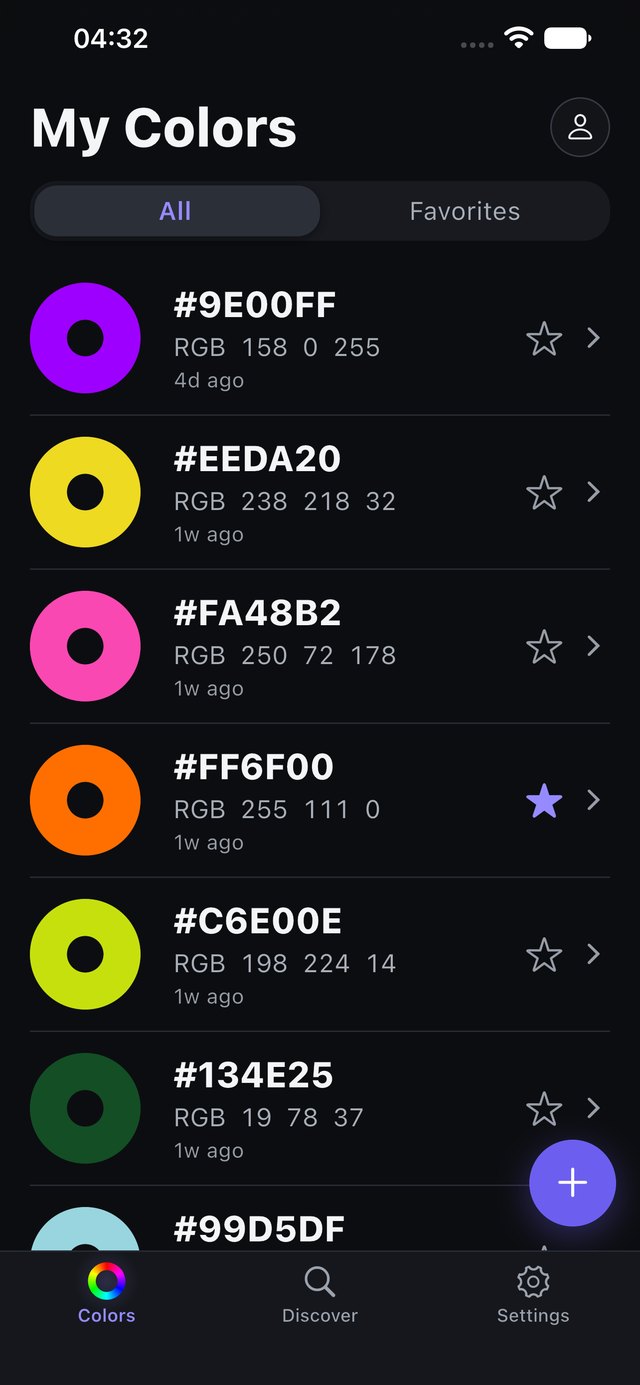
Keep the colors you find organized, with HEX and RGB values ready to copy. Star your favorites, and use whichever appearance suits you, light or dark.

Hex Color Codes on iPhone — My Colors in light appearance: saved colors shown as rings, each with HEX and RGB values and a favorite star Hex Color Codes on iPhone — My Colors in dark appearance: the same list of saved colors on a dark background

Edit

Dial in the exact value.

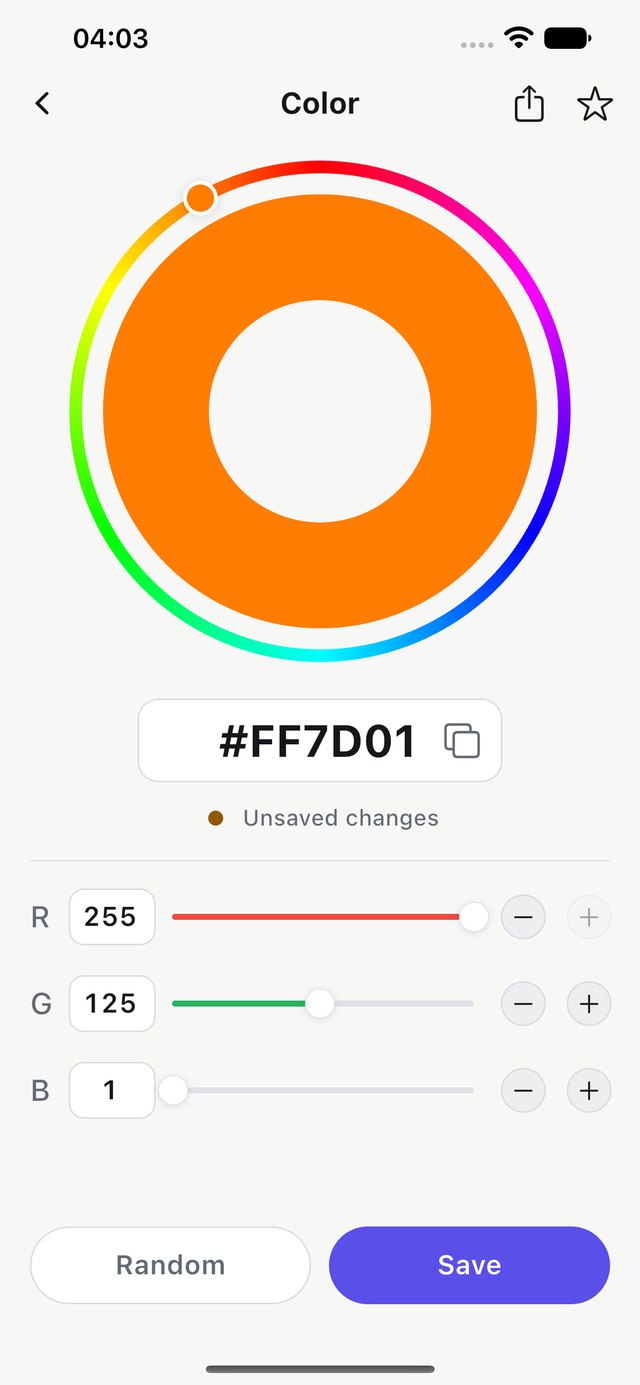
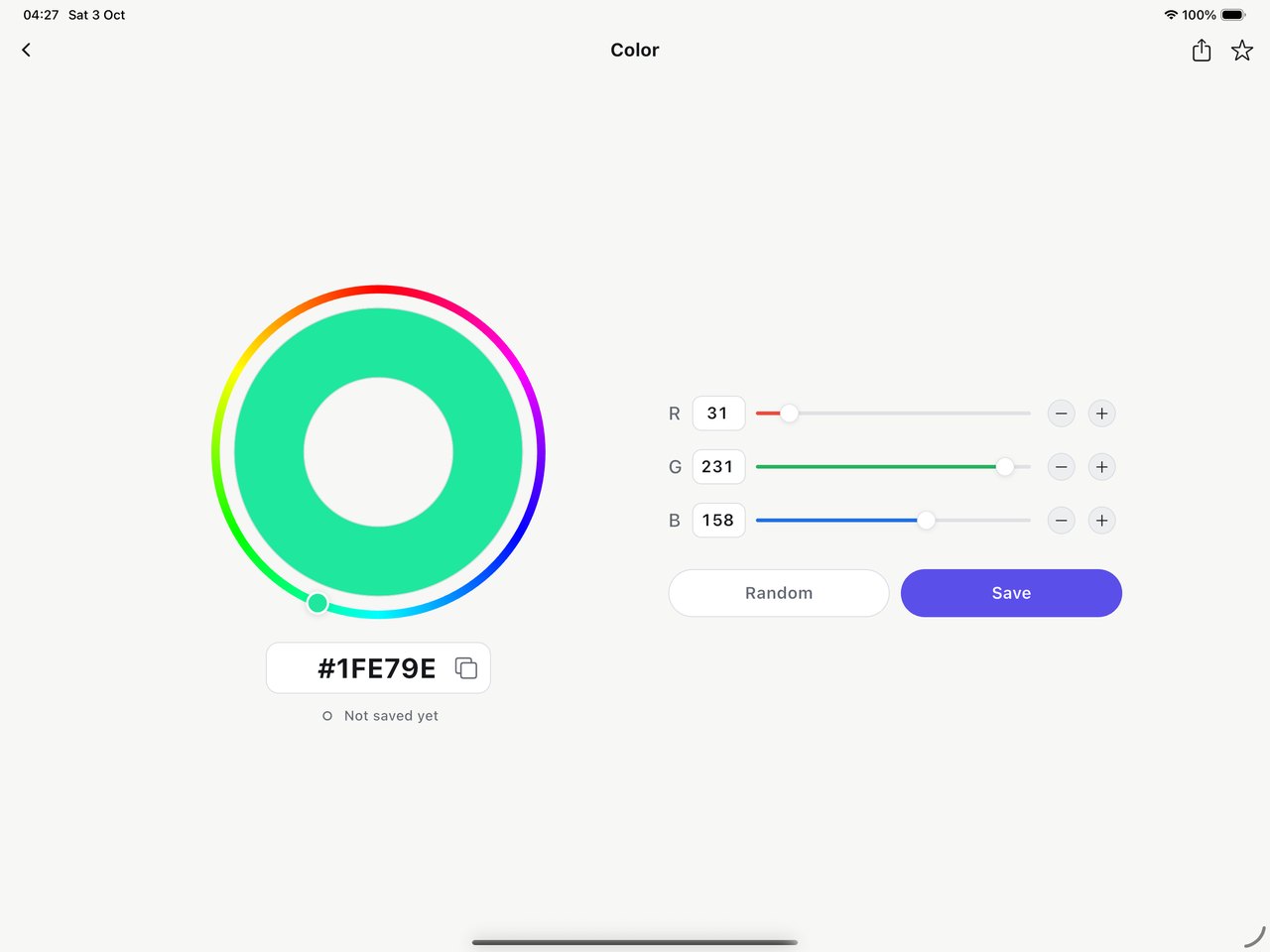
A modern interactive editor built around a hue ring. Adjust red, green and blue with sliders, copy the HEX value, try Random, and save the color when it’s right.

Hex Color Codes on iPhone — the color editor: an orange color inside a rainbow hue ring, HEX #FF7D01, red, green and blue sliders, and Random and Save buttons Hex Color Codes on iPad — the same color editor in the tablet layout, with the hue ring on the left and the sliders on the right

Palettes

Five colors. One palette.

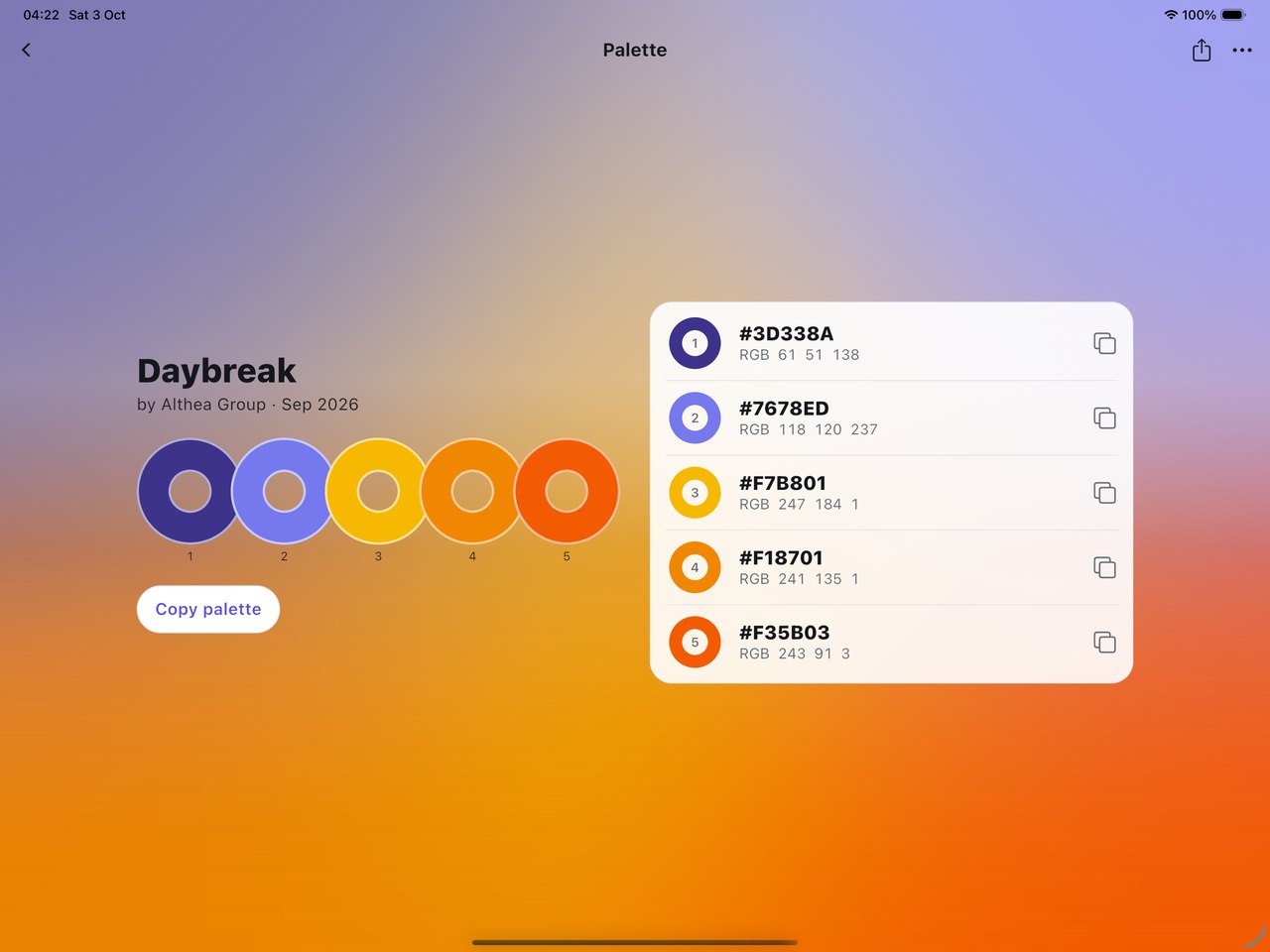
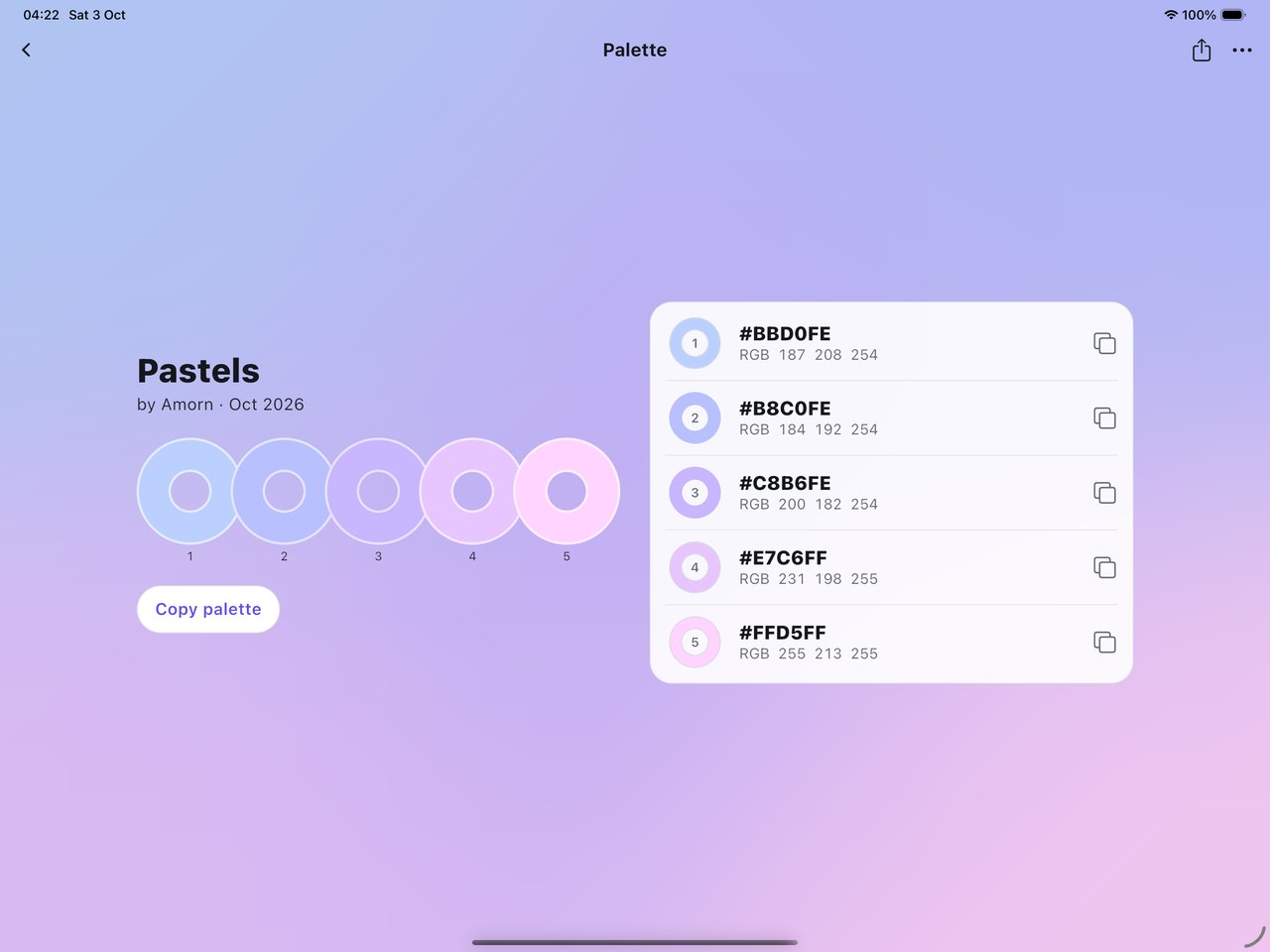
Group five colors into a palette and the palette’s own colors fill the screen, with the exact HEX and RGB values of every color alongside. Copy a single color or the whole palette, or share it with others.

Hex Color Codes on iPad — the Daybreak palette in landscape: a full-screen gradient drawn from the palette’s colors, five numbered rings, and a list of exact HEX and RGB values with a Copy palette button
  • #3D338ARGB 61 51 138
  • #7678EDRGB 118 120 237
  • #F7B801RGB 247 184 1
  • #F18701RGB 241 135 1
  • #F35B03RGB 243 91 3
Daybreak by Althea Group — five colors, exact values.

Create

Build your own, then share it.

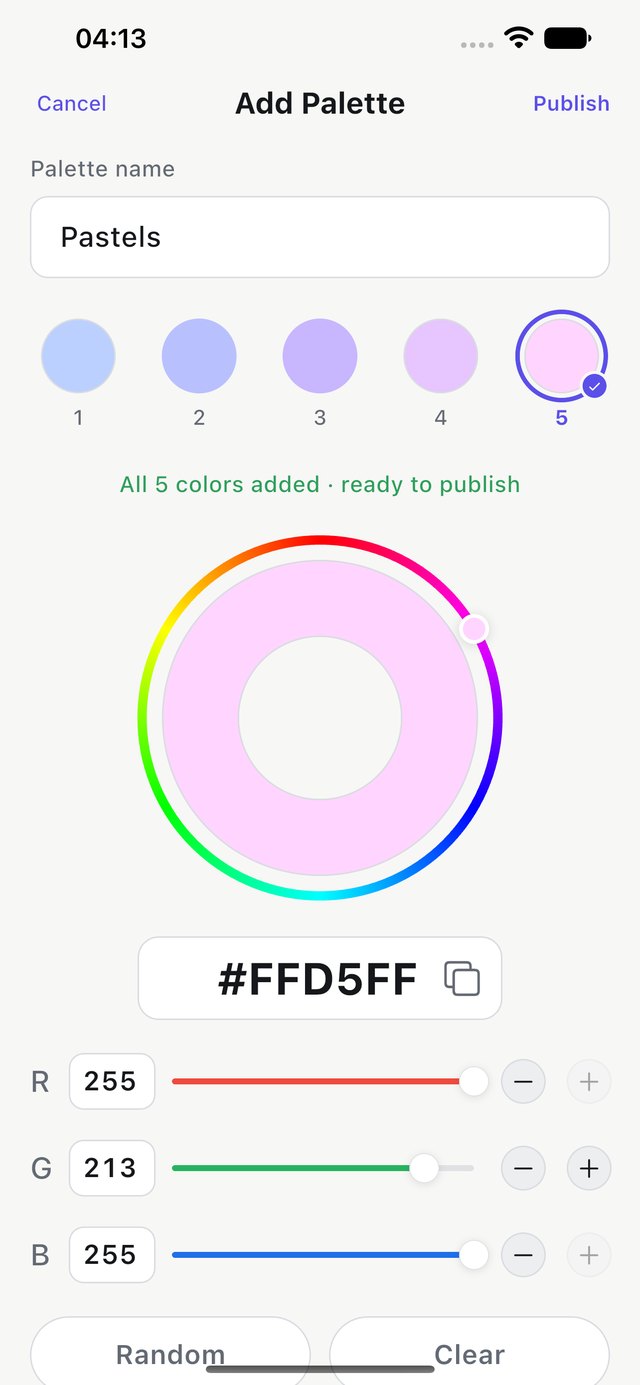
Name a palette, add five colors with the same editor, and publish it to Discover. Published palettes are public, so anyone can find them — and they can’t be edited once published.

Guests can build palettes, but publishing to Discover needs an account. You can delete your account and the palettes you published at any time from Settings.

1 · Add
Hex Color Codes on iPhone — Add Palette: a palette named Pastels with five colors chosen in the hue-ring editor, ready to publish
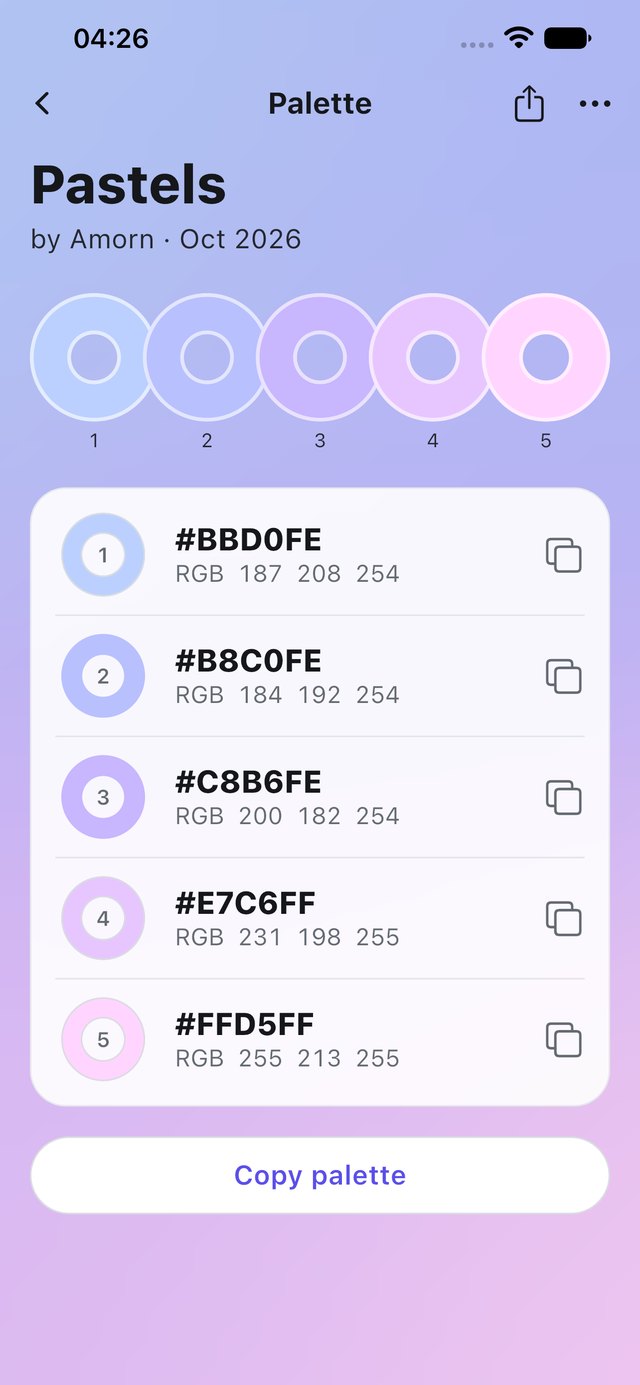
2 · Result
Hex Color Codes on iPhone — the finished Pastels palette: five soft blue-to-pink rings with HEX and RGB values on a matching pastel gradient

Discover

See what the community is making.

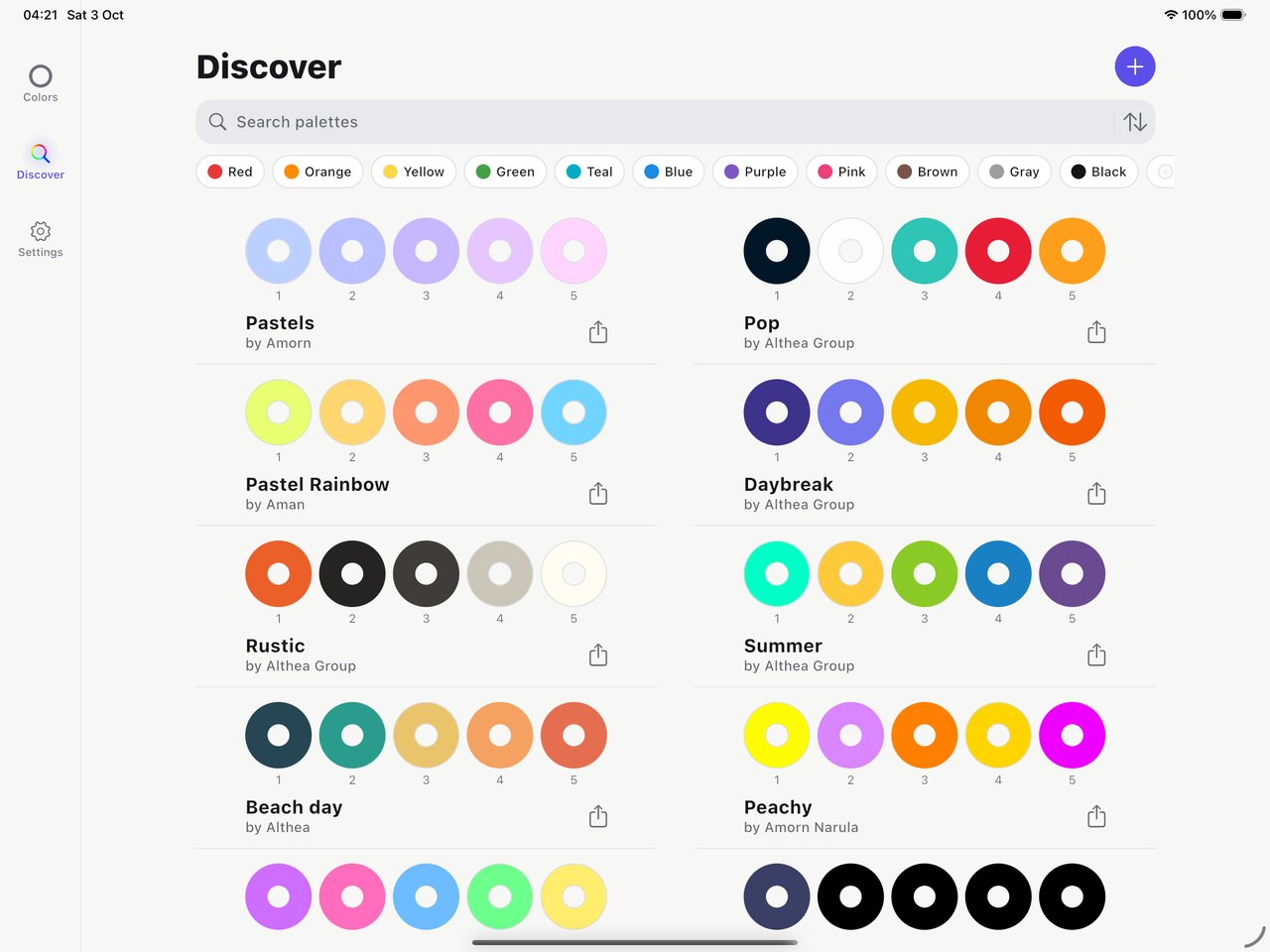
Browse palettes published by other people, search palettes, and filter by color to find the mood you’re after. Light or dark, on iPad Discover opens into two columns.
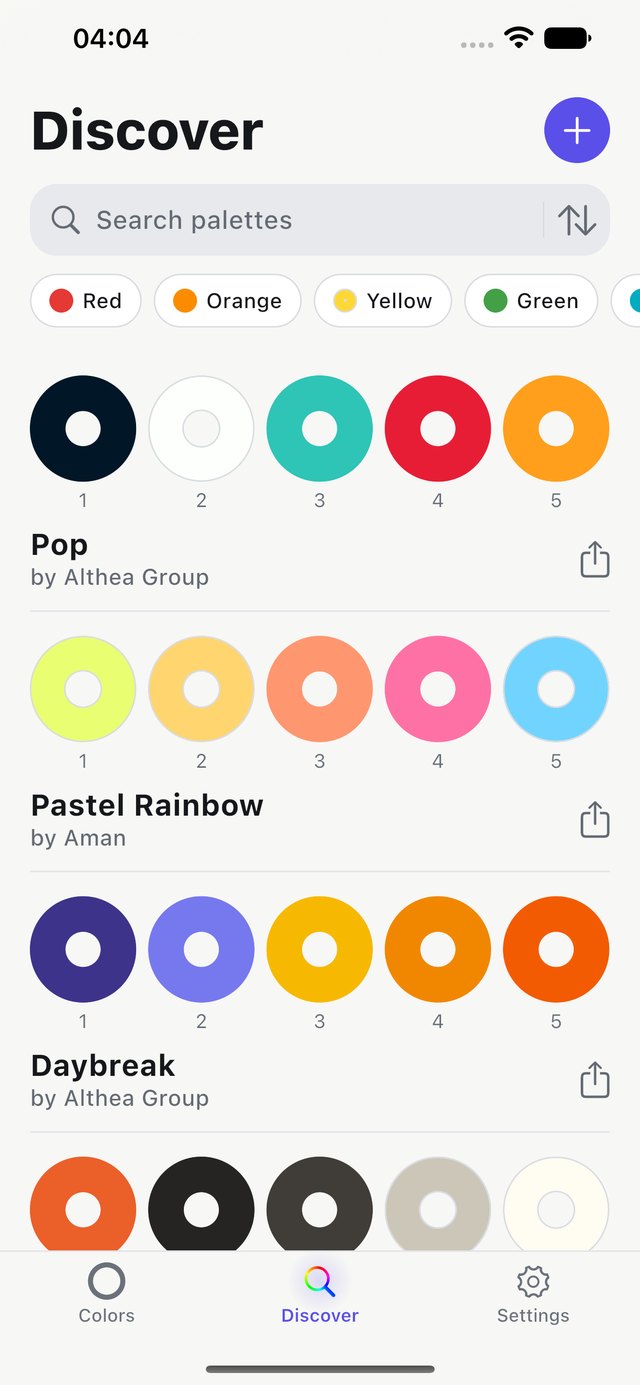
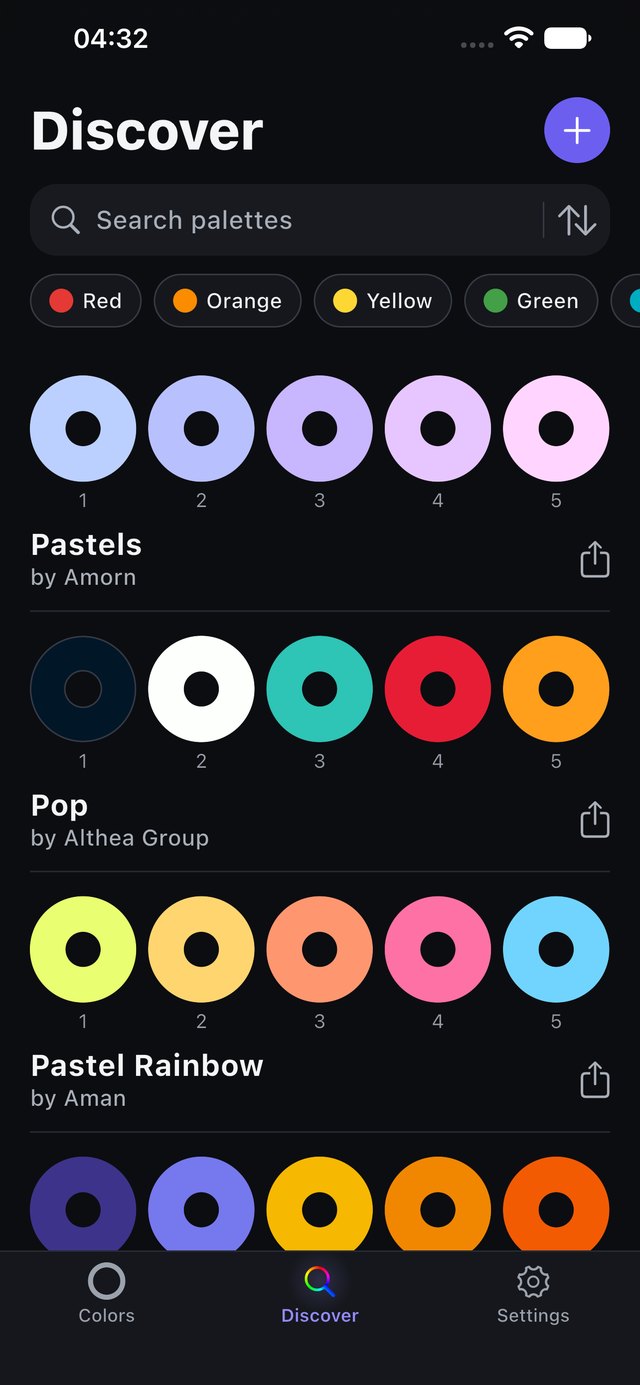
Hex Color Codes on iPhone — Discover in light appearance: a search field, color filter chips and a list of five-color community palettes Hex Color Codes on iPhone — Discover in dark appearance
Hex Color Codes on iPad — Discover in its two-column tablet layout, with a sidebar, search field, color filters and community palettes

Yours to keep, and yours to control.

Sync, or stay a Guest
Sign in to keep your saved colors available across devices, or continue as a Guest. You don’t need an account to start; publishing a palette to Discover does need one.
Sign in your way
Email and password, Google, Facebook, or Sign in with Apple on iPhone, iPad and Android.
Your look
Light and dark appearance, plus optional animated palette backgrounds.
Delete anytime
Delete your account from Settings → Danger Zone. The app shows what will be removed and asks you to confirm first. How account deletion works
Free, with a one-time upgrade
Free with ads for eligible users. Remove Ads is a single one-time purchase, not a subscription, and, on iOS, belongs to your App Store account.
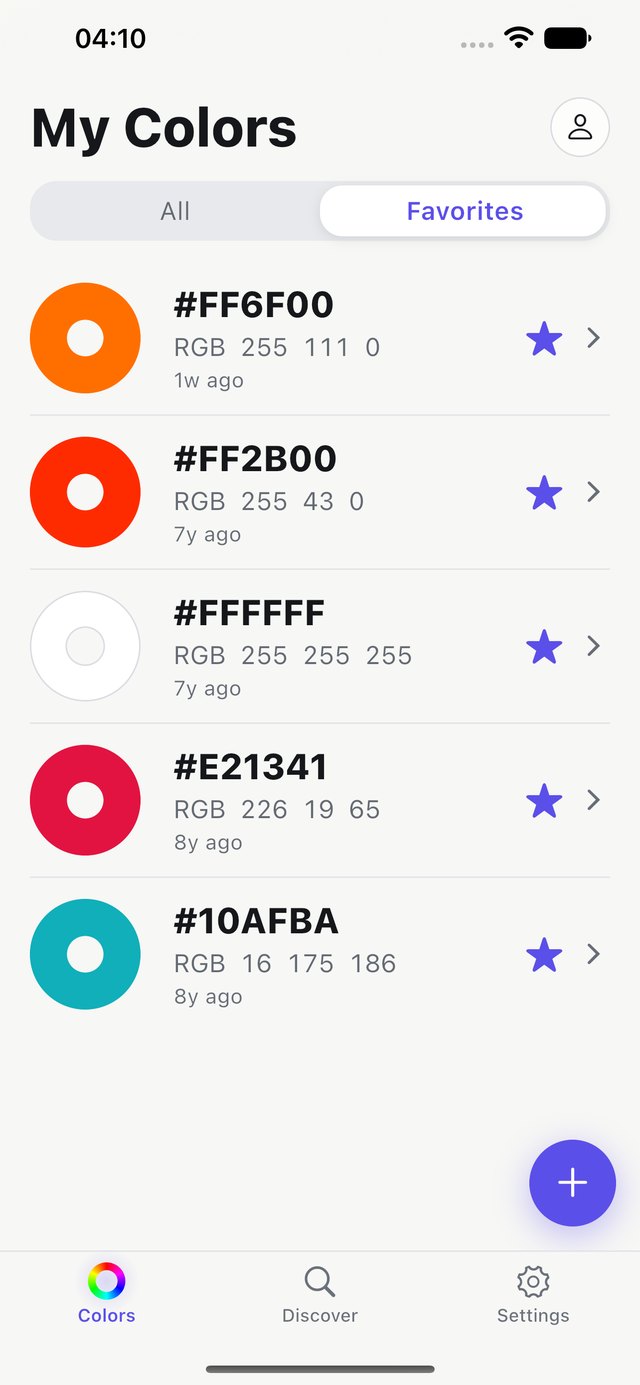
Hex Color Codes on iPhone — the Favorites tab of My Colors, showing five starred colors
Favorites
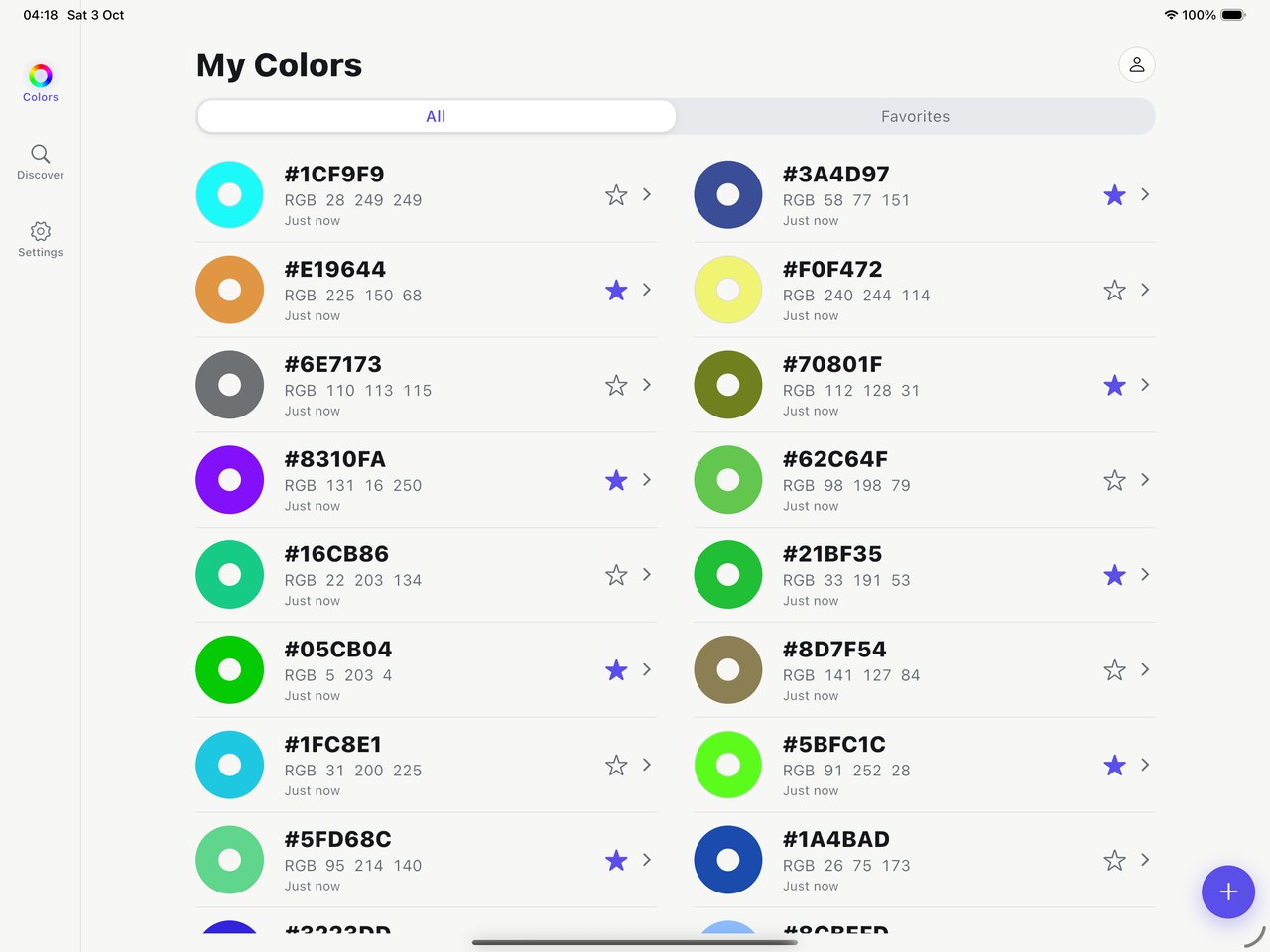
Hex Color Codes on iPad — My Colors in the tablet layout, with sidebar navigation and a two-column list of saved colors
My Colors on iPad
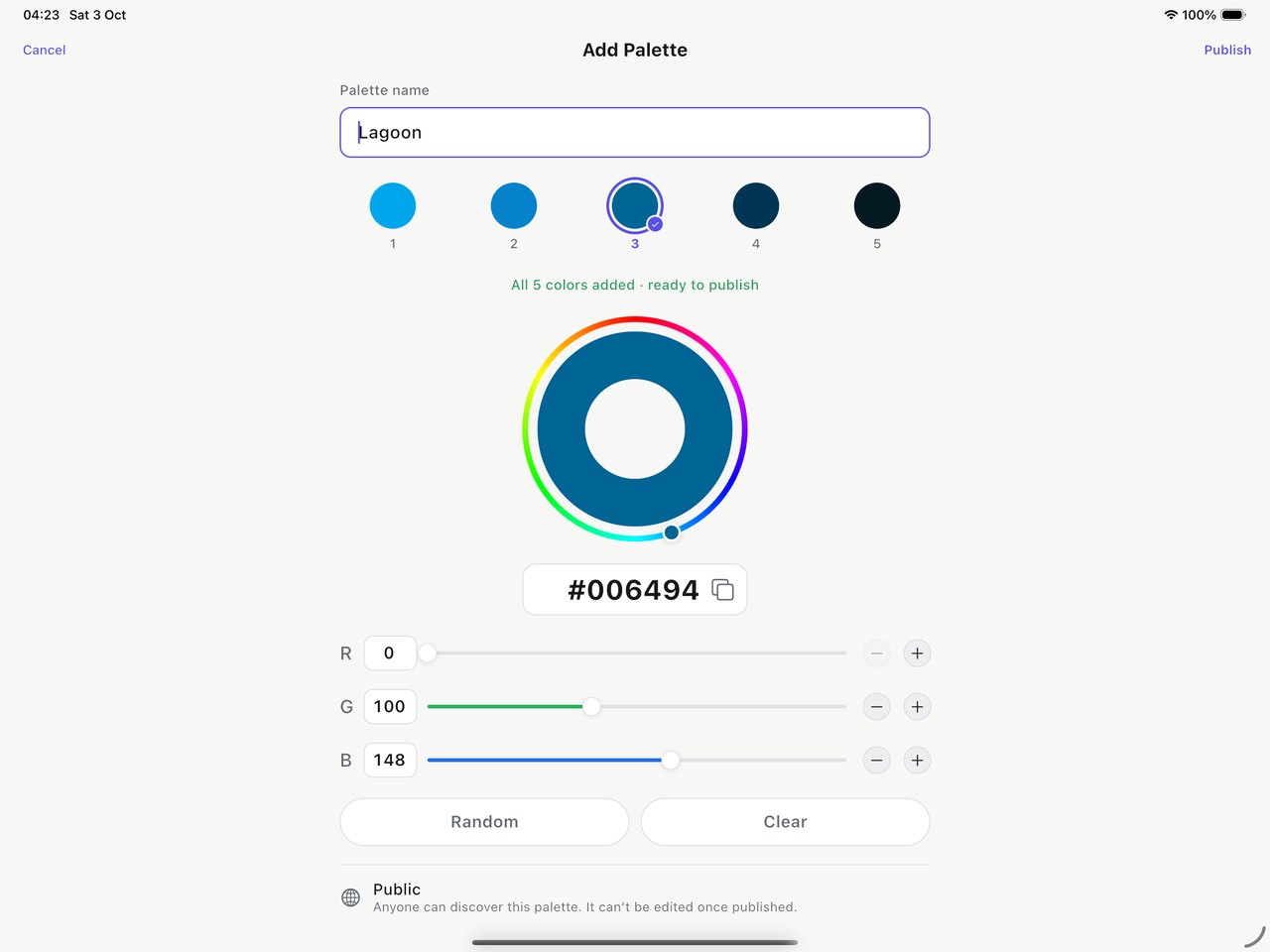
Hex Color Codes on iPad — Add Palette in the tablet layout, with the Public note shown below the editor
Add Palette on iPad
Hex Color Codes on iPad — the Pastels palette with a soft blue-to-pink gradient and exact HEX and RGB values
Palette detail on iPad

Get Hex Color Codes

iPhone and iPad

Available

Hex Color Codes is on the App Store. Already have the app? Update from the same listing — existing accounts and saved colors are supported, and eligible Remove Ads purchases can be restored.

Download on the App Store

Android

Available

Hex Color Codes is available on Google Play.

Get it on Google Play

Support, privacy and terms

Hex Color Codes is a product of Althea Group Co., Ltd.